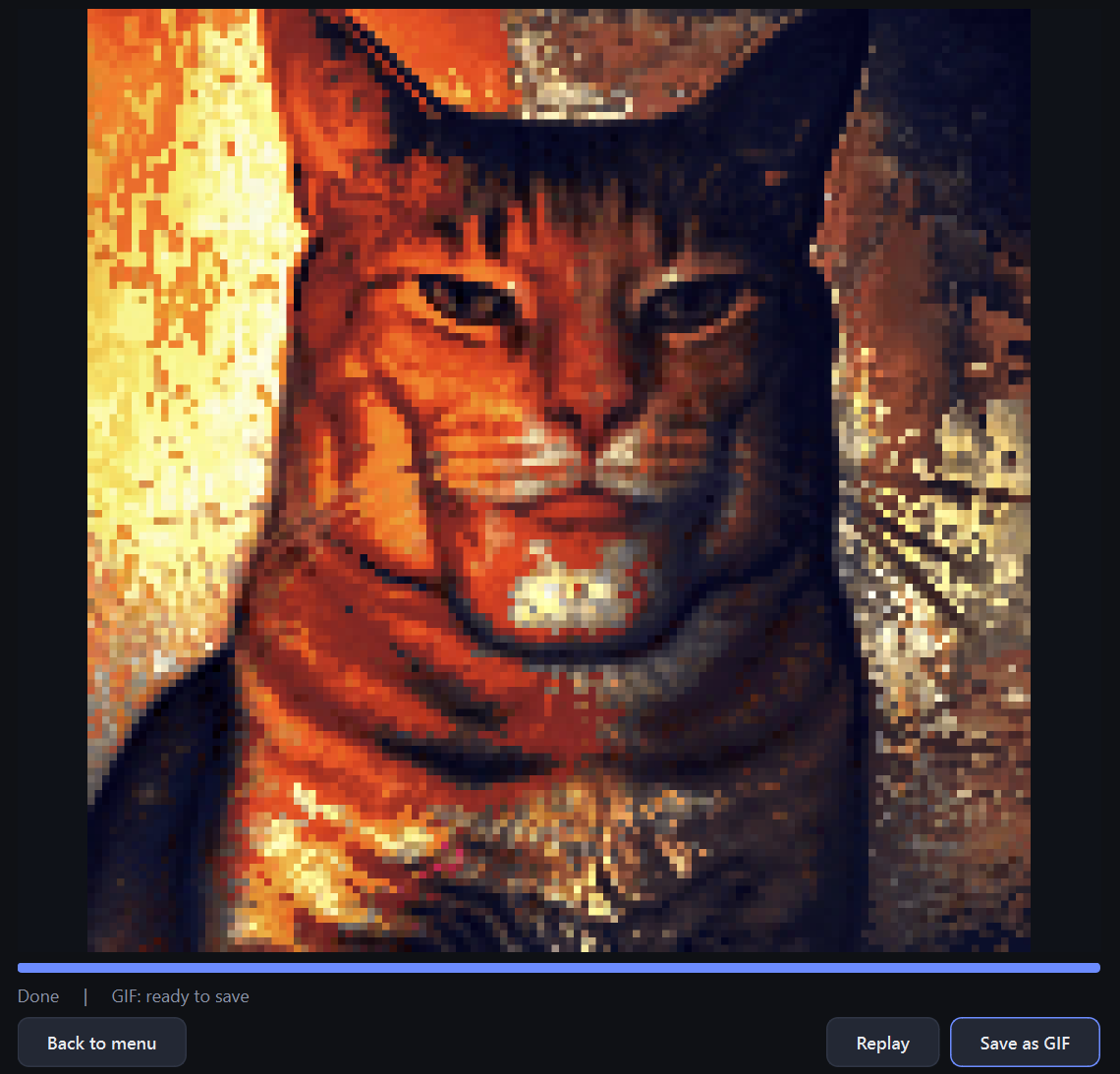
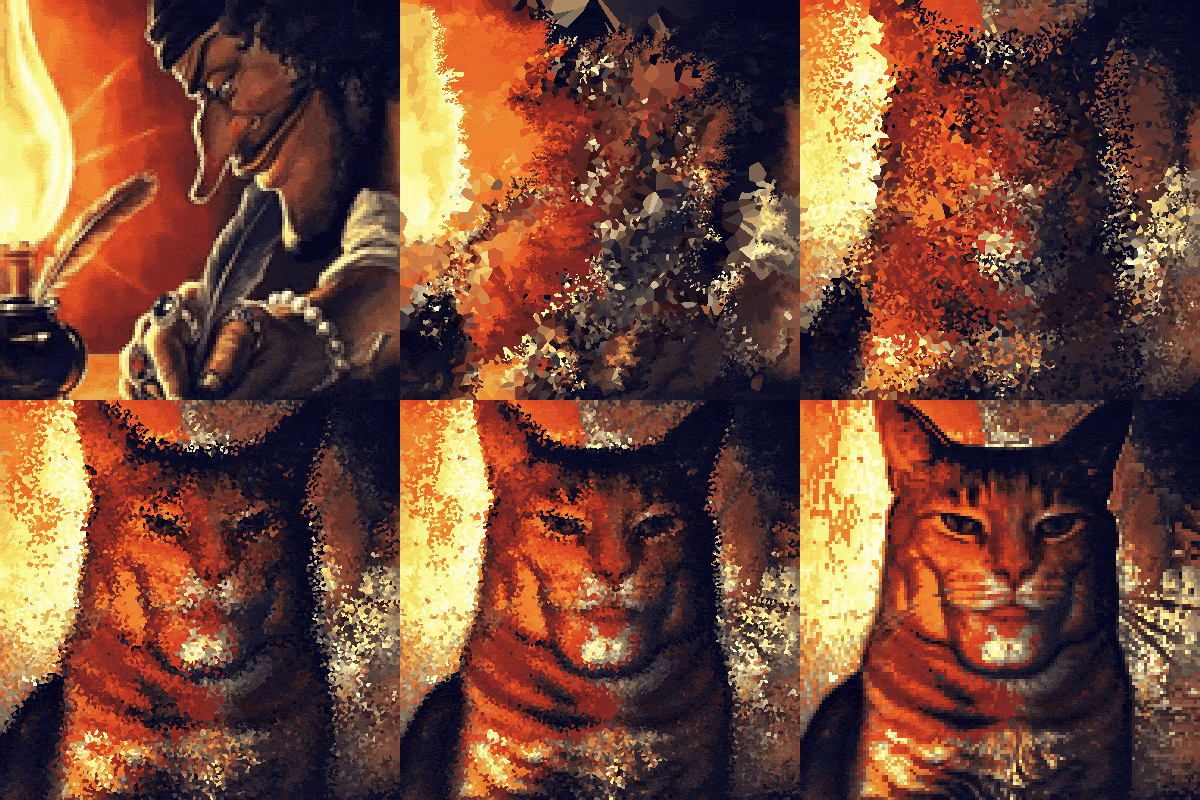
The idea is original and the user interface is very good, but in practice the quality of the morphing is terrible:
the moving particles are visibly larger than pixels, causing the morphing to not reach the target image exactly (with 0% proximity factor; greater proximity values make the approximation even worse);
the particles go very far (many approximately through the center with low proximity) or don't settle as soon as they should (with high proximity), with no attempt at optimal transport;
there is no attempt at adjusting colour; pixel colours should mutate to match the histogram of the target image.
Test case, with slightly different amounts of grey, black, green and white. Note how morphing from the first to the second image leaves green splotches in the grey bar because the first image has less grey.
Thanks for the constructive Feedback! Criticism is greatly appreciated so I can improve my projects. Although I have to clarify some important things.
The web version is incredibly weak. The entire program is written in Python 3.14.3, and the only reliably stable way to export it, is to an EXE file for Windows. The web version is a cheaply rewritten and recompiled version of that program with CSS and JS workarounds, and should only be used if you don't have a Windows device. (I am just supposing you might have used the web version and experienced heavy lags.)
Most importantly though, this is an image morphing tool that incorporates the Kantorovich-Voronoi-Algrotihm. I will update the tool page soon and provide an explanation of its exact functionality, but for now, feel free to take a look at an online article about how that algorithm works.
There is unfortunately no Python module that has an already built and largely tested library of functions to implement into the project directly, so I had to code those myself from scratch. Therefore I can neither guarantee mathematically optimal transformations, nor high performance.
Now, specifically in the case you provided, the two images are very similar (the more color variation source and target images have, the better the algorithm works). Because the program is intented to not change pixel colors of the source image, depending on the exact percentual setting of the proximity factor, together with the amount of time you gave the algorithm, there is no mathematical way to reach the target image accurately. This is not a 1:1 image morpher, but rather an algorthm that tries to smoothly rearrange the source colors of one image to fit the shading and outlines of a target image.
FYI, the time you give the algorithm is the highest impact factor of how cleanly you can get the source-to-target transition. Less time means less recalculation cycles, means less pixels can move, means the target image is in some cases barely distinguishable. I gave the project's users a high range of customization, at the cost of (of course) having to expect some users to unfortunately experiment with the extreme limits of the program, leading to unsatisfying results.
If you've read to here, thanks a lot again. If you wish, I can provide an EXE file to my first prototype of this program, that fits your request of not resizing pixels. It was a super early stage and I wasn't even aware of the KV-Algorithm at the time, but it is quite interesting to see nevertheless.
The paper I think you are taking as a starting point, https://arxiv.org/abs/1206.3057 , clarifies the main problem I'm referring to right at the beginning:
Given two sets C and S of equal mass
in ℝd, transport each mass unit of C to a mass unit of S
at minimal cost. More formally, given two measures μ and ν,
find a map f satisfying μ(f−1(⋅))=ν(⋅)
that minimizes ∫d(z,f(z))𝑑μ(z)
Image pixels just don't fit this premise of moving masses and equal mass total mass very easily, and the algorithm goes off the rails as a consequence.
With d=2 (the two dimensions of the image) pixels should be grayscale and the total gray value of all pixels in the initial and final images should be the same, which requires possibly drastic, and certainly nontrivial and arbitrary, preliminary image processing (something similar to Photoshop's curves used for thresholding, expansion, compression, etc.).
The "mass units" wouldn't be pixels retaining their original grayscale value, but every unit in the grayscale values processed independently (e.g. a destination value of 127, medium grey on a 0-255 linear scale, might be obtained from an original value of 38 not by exchanging the pixel with one that has a value of about 127, but by moving in 116 units from the pixel above, 62 units from the pixel to the left, 18 units from greater distances through the pixels above and to the left, and moving out 107 units right, down or further away).
Color images would be processed channel by channel, further disintegrating original and destination pixels.
Coherently transporting pixels would require d=5 (two spatial dimensions, three color channels): pixels move to a close location and shift to a close color, with a complicated distance function deciding the balance. Voronoi diagrams would be less trivial.
Comments
Log in with itch.io to leave a comment.
The idea is original and the user interface is very good, but in practice the quality of the morphing is terrible:
Test case, with slightly different amounts of grey, black, green and white. Note how morphing from the first to the second image leaves green splotches in the grey bar because the first image has less grey.
Thanks for the constructive Feedback! Criticism is greatly appreciated so I can improve my projects. Although I have to clarify some important things.
The web version is incredibly weak. The entire program is written in Python 3.14.3, and the only reliably stable way to export it, is to an EXE file for Windows. The web version is a cheaply rewritten and recompiled version of that program with CSS and JS workarounds, and should only be used if you don't have a Windows device. (I am just supposing you might have used the web version and experienced heavy lags.)
Most importantly though, this is an image morphing tool that incorporates the Kantorovich-Voronoi-Algrotihm. I will update the tool page soon and provide an explanation of its exact functionality, but for now, feel free to take a look at an online article about how that algorithm works.
There is unfortunately no Python module that has an already built and largely tested library of functions to implement into the project directly, so I had to code those myself from scratch. Therefore I can neither guarantee mathematically optimal transformations, nor high performance.
Now, specifically in the case you provided, the two images are very similar (the more color variation source and target images have, the better the algorithm works). Because the program is intented to not change pixel colors of the source image, depending on the exact percentual setting of the proximity factor, together with the amount of time you gave the algorithm, there is no mathematical way to reach the target image accurately. This is not a 1:1 image morpher, but rather an algorthm that tries to smoothly rearrange the source colors of one image to fit the shading and outlines of a target image.
FYI, the time you give the algorithm is the highest impact factor of how cleanly you can get the source-to-target transition. Less time means less recalculation cycles, means less pixels can move, means the target image is in some cases barely distinguishable. I gave the project's users a high range of customization, at the cost of (of course) having to expect some users to unfortunately experiment with the extreme limits of the program, leading to unsatisfying results.
If you've read to here, thanks a lot again. If you wish, I can provide an EXE file to my first prototype of this program, that fits your request of not resizing pixels. It was a super early stage and I wasn't even aware of the KV-Algorithm at the time, but it is quite interesting to see nevertheless.
Hi, I'm back from a short vacation.
The paper I think you are taking as a starting point, https://arxiv.org/abs/1206.3057 , clarifies the main problem I'm referring to right at the beginning:
Given two sets C and S of equal mass in ℝd, transport each mass unit of C to a mass unit of S at minimal cost. More formally, given two measures μ and ν, find a map f satisfying μ(f−1(⋅))=ν(⋅) that minimizes ∫d(z,f(z))𝑑μ(z)
Image pixels just don't fit this premise of moving masses and equal mass total mass very easily, and the algorithm goes off the rails as a consequence.
With d=2 (the two dimensions of the image) pixels should be grayscale and the total gray value of all pixels in the initial and final images should be the same, which requires possibly drastic, and certainly nontrivial and arbitrary, preliminary image processing (something similar to Photoshop's curves used for thresholding, expansion, compression, etc.).
The "mass units" wouldn't be pixels retaining their original grayscale value, but every unit in the grayscale values processed independently (e.g. a destination value of 127, medium grey on a 0-255 linear scale, might be obtained from an original value of 38 not by exchanging the pixel with one that has a value of about 127, but by moving in 116 units from the pixel above, 62 units from the pixel to the left, 18 units from greater distances through the pixels above and to the left, and moving out 107 units right, down or further away).
Color images would be processed channel by channel, further disintegrating original and destination pixels.
Coherently transporting pixels would require d=5 (two spatial dimensions, three color channels): pixels move to a close location and shift to a close color, with a complicated distance function deciding the balance. Voronoi diagrams would be less trivial.
That is not the paper I used.
Also, thanks for explaining I guess, but I think we both know that I am most likely not going to change the program functionality.